Your customer database is sitting on a goldmine: but you might not even know it. Those dormant customers who haven’t engaged with your business in months? They’re often 5x cheaper to reactivate than acquiring brand new customers. The problem is, most small businesses don’t have the time or resources to manually reach out to inactive customers every month.
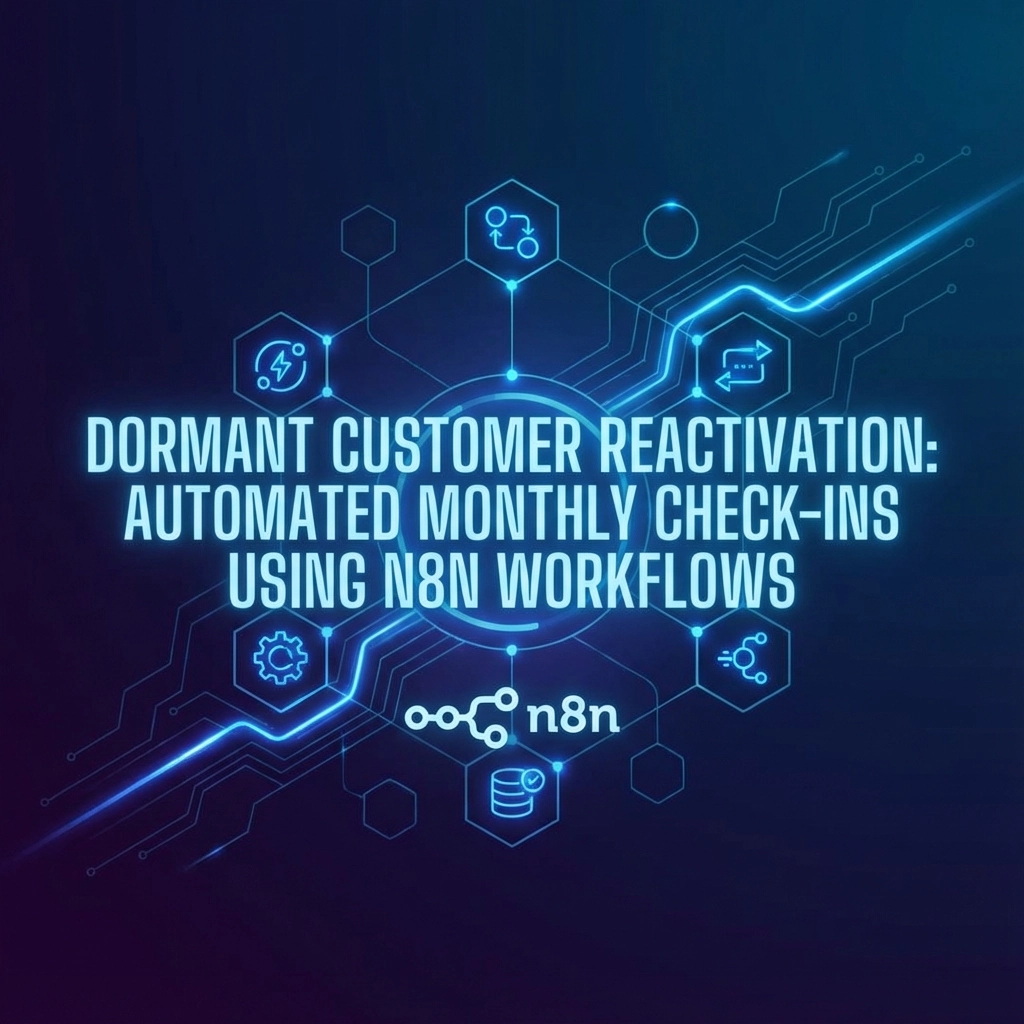
That’s where automation comes in. Using n8n workflows combined with smart reactivation strategies, you can set up a system that automatically identifies dormant customers and re-engages them with personalized messaging: all without lifting a finger after the initial setup.
Why Dormant Customer Reactivation Matters
Before diving into the technical setup, let’s talk numbers. Studies show that increasing customer retention rates by just 5% can boost profits by 25-95%. Yet most businesses focus almost entirely on acquisition while letting valuable existing relationships slip away.
Dormant customers already know your brand, have experienced your product or service, and made the decision to buy once. They’re familiar with your quality and value proposition: they just need a gentle nudge to remember why they chose you in the first place.
The challenge is doing this at scale without it feeling robotic or impersonal. That’s exactly what we’re going to solve.
Setting Up Your Customer Segmentation Logic
The foundation of effective reactivation starts with proper segmentation. Not all dormant customers are created equal, and your n8n workflow needs to recognize this from the get-go.

Defining Your Dormant Customer Categories
Start by creating clear definitions for different types of inactive customers:
High-Value Dormant: Customers who spent above your average order value but haven’t engaged in 60-90 days. These folks get the VIP treatment with personalized offers and exclusive perks.
Price-Sensitive Dormant: Customers who typically purchased during sales or with discount codes. They respond well to limited-time offers and special pricing.
Engagement Droppers: Customers who were highly engaged (frequent purchases, email opens, website visits) but suddenly went quiet. These need gentle “we miss you” messaging.
One-Time Buyers: Customers who made a single purchase 90+ days ago. They need education about your full value proposition and reasons to give you another shot.
Building Your n8n Reactivation Workflow
Now for the exciting part: setting up your automated monthly check-in system. Here’s how to structure your n8n workflow for maximum effectiveness:
Step 1: Monthly Trigger Setup
Create a schedule trigger in n8n that runs on the first of every month. Use the cron expression 0 0 1 * * to trigger at midnight on the first day of each month. This gives you consistent, predictable reactivation campaigns.
Step 2: Database Query and Customer Identification
Connect your n8n workflow to your customer database (whether that’s a CRM, e-commerce platform, or simple spreadsheet). Your query should pull customers who:
- Haven’t made a purchase in your defined timeframe (60-120 days typically)
- Haven’t opened emails in the last 45 days
- Haven’t visited your website in 30+ days
The workflow should grab their complete profile: purchase history, email preferences, previous engagement levels, and any custom data points you track.
Step 3: Segmentation and Routing
This is where n8n’s conditional logic shines. Set up different branches in your workflow based on the customer segments we defined earlier. Each segment gets tailored messaging and offers designed specifically for their behavior patterns.

For high-value customers, your workflow might generate personalized product recommendations based on their purchase history. For price-sensitive customers, it could pull current discount codes and limited-time offers.
Step 4: Personalized Message Generation
Here’s where you can get creative. Your n8n workflow should dynamically generate email content that includes:
- The customer’s name and past purchase details
- Relevant product recommendations
- Personalized offers based on their segment
- Clear, compelling calls-to-action
Use merge tags to pull in dynamic content: “Hi [Customer Name], we noticed you loved the [Last Product Purchased] you got from us in [Month]. Here’s something similar you might enjoy…”
Multi-Channel Orchestration for Maximum Impact
Email is great, but combining multiple touchpoints dramatically improves your reactivation rates. Your n8n workflow can orchestrate a multi-channel campaign that feels cohesive and thoughtful.
The 48-Hour Rule
Start with email as your primary channel: it’s cost-effective and allows for rich, personalized content. Then, 48 hours later, follow up through a secondary channel like SMS or even a handwritten postcard for high-value customers.

Your n8n workflow can track whether the customer engaged with the first message. If they clicked the email or visited your website, skip the secondary outreach. If not, trigger the follow-up automatically.
Timing Optimization
Not all customers check their messages at the same time. If you have data about when customers typically engage (purchase times, email open patterns), use that to personalize send times within your workflow.
For example, if a customer typically makes purchases on weekends, schedule their reactivation message for Friday afternoon when they’re planning their weekend activities.
Advanced Engagement Tracking and Response Logic
The real power of automation comes from building intelligence into your system. Your n8n workflow shouldn’t just send messages: it should learn and adapt based on customer responses.
Response Monitoring
Set up tracking loops that monitor customer behavior for 14 days after each reactivation message:
- Did they open the email?
- Click any links?
- Visit your website?
- Make a purchase?
Based on these actions, your workflow can trigger different follow-up sequences or update the customer’s profile for future campaigns.
Smart Follow-Up Sequences
If a customer opens your reactivation email but doesn’t purchase, that’s valuable engagement data. Your workflow can automatically send a gentler follow-up a week later: “Still thinking about it? Here’s an extra 10% off to help you decide.”

For customers who don’t engage at all, your workflow might try a completely different approach in the next monthly cycle: perhaps focusing on company updates or valuable content instead of sales messaging.
Measuring Success and Continuous Optimization
Your automated reactivation system is only as good as its results. Build measurement directly into your n8n workflow to track key metrics:
Essential KPIs to Monitor
Reactivation Rate: Percentage of dormant customers who make a purchase within 30 days of receiving your message. Aim for 15-25% for email campaigns.
Revenue Per Reactivated Customer: Track not just who comes back, but how much they spend. This helps you calculate ROI on your reactivation efforts.
Channel Performance: Compare response rates across email, SMS, and other channels to optimize your multi-channel approach.
Segment Performance: Track which customer segments respond best to different messaging approaches.
A/B Testing Within Your Workflow
Build testing directly into your n8n workflow by randomly splitting your monthly dormant customer list into test groups. Try different subject lines, offers, or send times, then automatically route future customers to the winning approach.
Real-World Implementation Tips
After helping dozens of businesses set up reactivation workflows, here are the practical lessons that make the difference between success and failure:
Start Simple: Don’t try to build the perfect system on day one. Start with basic segmentation and email outreach, then add complexity as you learn what works for your audience.
Keep Your Data Clean: Regularly update customer information and remove hard bounces. Nothing kills a reactivation campaign faster than sending emails to dead addresses.
Respect Preferences: Always include unsubscribe options and honor them immediately. Better to lose someone gracefully than annoy them into badmouthing your brand.
Test Your Timing: The “best” time to send reactivation messages varies by industry and audience. Test different days and times to find your sweet spot.

Getting Started Today
Setting up your first dormant customer reactivation workflow doesn’t require a computer science degree or a massive budget. With n8n’s visual workflow builder and the strategies outlined here, you can have a basic system running within a few hours.
Start by identifying your dormant customers from the past 90 days. Create a simple email template with a compelling offer. Set up a basic n8n workflow that sends this email monthly to your inactive list. Then iterate and improve based on the results you see.
The key is getting started: every month you delay is another month of valuable customers slipping further away. Your dormant customer database is an untapped revenue source just waiting for the right systematic approach to unlock its potential.
Remember, reactivation isn’t about being pushy or desperate. It’s about staying connected with people who already chose to do business with you, providing value, and making it easy for them to come back when they’re ready. With the right automated approach, you can do this consistently and effectively, turning your dormant customers into a reliable source of recurring revenue.