Publishing a brilliant blog post is only half the battle. The real challenge? Getting it in front of your audience across multiple social media platforms without spending hours manually posting and reformatting content for each channel.
If you’re like most small business owners, you’ve probably found yourself caught in this exhausting cycle: write a blog post, manually craft different versions for Twitter, LinkedIn, Facebook, and Instagram, then repeat this process every single time you publish new content. It’s time-consuming, inconsistent, and frankly, unsustainable.
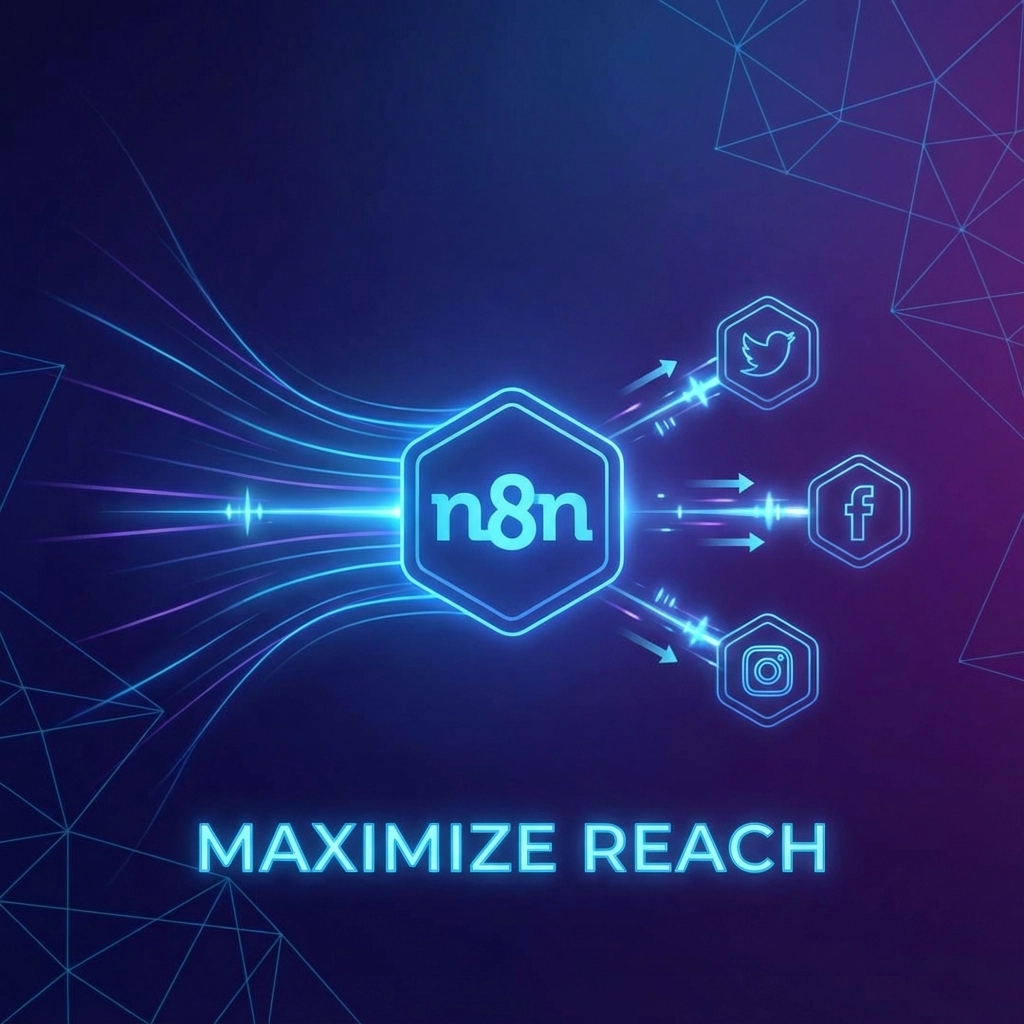
Enter n8n: a powerful automation platform that can transform your content distribution workflow from a tedious manual process into a seamless, automated system. With the right setup, you can automatically share new blog posts across all your social media channels, each optimized for the specific platform, within minutes of hitting “publish.”
Why Automate Your Social Media Distribution?
Before diving into the technical setup, let’s address why this automation matters for your business. Manual social media posting isn’t just time-consuming: it’s often inconsistent. When you’re rushing to share content across platforms, posts might lack the platform-specific optimization that maximizes engagement.
Different social platforms have vastly different requirements and audiences. Twitter thrives on concise, punchy content under 280 characters. LinkedIn rewards professional, detailed posts that spark meaningful discussions. Facebook favors engaging, community-focused content. Instagram demands visually appealing posts with strategic hashtag usage.
Creating platform-specific content manually for every blog post means either compromising on quality or spending hours on distribution alone. Automation solves this by ensuring consistent, optimized posting while freeing up your time for what matters most: creating great content and running your business.

Understanding the n8n Workflow Structure
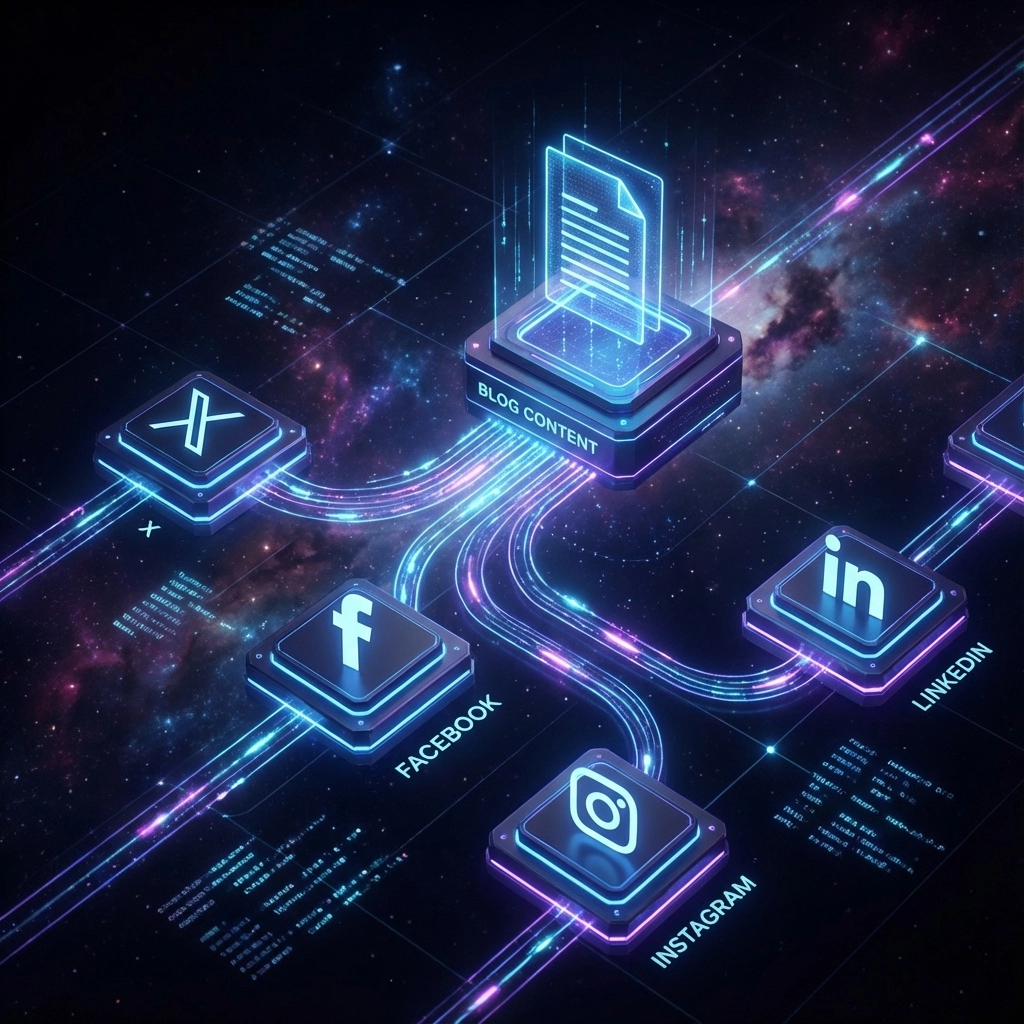
n8n workflows operate on a trigger-and-action principle. For blog-to-social automation, your workflow needs three core components: a trigger that detects new blog posts, a content processing system that adapts your content for different platforms, and distribution nodes that handle the actual posting.
The beauty of n8n lies in its visual workflow builder. You can see exactly how your content flows from your blog to each social platform, making it easy to troubleshoot issues or add new platforms later.
Think of your workflow as an assembly line. Raw blog content enters at one end, gets processed and optimized for different platforms in the middle, and emerges as platform-specific posts ready for distribution at the other end.
Setting Up Your Content Detection Trigger
Your automation journey begins with setting up a reliable trigger that detects when you publish new blog content. n8n offers several trigger options, each suited to different blog platforms and workflows.
RSS Feed Trigger
If your blog generates an RSS feed (most WordPress, Ghost, and other platforms do), the RSS trigger is your most reliable option. Configure it to check your blog’s RSS feed every 15-30 minutes for new posts. When it detects fresh content, it automatically starts your workflow.
Set up your RSS trigger by entering your blog’s RSS URL (usually something like yoursite.com/feed or yoursite.com/rss). Configure the polling interval based on how frequently you publish: daily publishers might check every hour, while weekly publishers could check every few hours.
Webhook Trigger
For more immediate response times, webhook triggers provide instant notification when new content is published. Many blog platforms allow you to configure webhooks that fire when specific events occur, like publishing a new post.
Setting up webhooks requires adding a small code snippet to your blog platform that calls your n8n webhook URL whenever you publish content. While slightly more technical, this method provides instant triggering rather than periodic checking.
Content Processing and AI Integration
Once your trigger detects new blog content, the real magic happens in the content processing phase. This is where raw blog content gets transformed into platform-optimized social media posts.
Modern n8n workflows leverage AI services like OpenAI’s GPT models to intelligently extract key points from your blog posts and reformat them for different social platforms. This isn’t just about shortening content: it’s about understanding context and creating engaging posts that feel native to each platform.
Extracting Blog Content
Start by using n8n’s HTTP Request node to fetch your blog post content. If your trigger provides a direct content feed, you can skip this step. Otherwise, use the blog post URL from your trigger to retrieve the full article content.
Configure your HTTP request to pull clean text content, stripping away HTML formatting and navigation elements. Many n8n users employ the Readability API or similar services to extract just the article content from blog pages.
AI-Powered Content Adaptation
With your blog content extracted, pass it to an AI service configured with platform-specific prompts. Create separate AI processing chains for each social platform, each optimized for that platform’s unique requirements and audience expectations.
For Twitter, prompt your AI to extract the most compelling points and create tweet-sized content with relevant hashtags. For LinkedIn, ask it to reformat the content into professional discussion starters. For Instagram, focus on visual storytelling and hashtag strategy.
Platform-Specific Distribution Setup
Each social media platform requires different API configurations and posting strategies within your n8n workflow.
Twitter/X Integration
Twitter’s API integration in n8n allows direct posting to your account. Configure authentication using Twitter’s OAuth system, then set up posting nodes that handle character limits automatically.
Consider creating multiple Twitter posts for longer blog content: a thread-style approach that breaks your content into digestible chunks while maintaining narrative flow.
LinkedIn Integration
LinkedIn’s API offers robust posting capabilities through n8n. Beyond simple text posts, you can automatically share blog posts as LinkedIn articles or create engaging discussion posts that drive traffic back to your blog.
LinkedIn responds well to posts that ask questions or invite professional discussion, so configure your AI prompts to include conversation starters related to your blog content.
Facebook and Instagram
Meta’s platforms require Facebook Graph API integration. Set up your n8n workflow to handle both Facebook page posts and Instagram posts simultaneously, adapting content format for each platform’s visual and textual requirements.
Instagram posts benefit from strategic hashtag usage: configure your AI processing to suggest relevant hashtags based on your blog content and industry.

Advanced Workflow Features
Beyond basic posting, sophisticated n8n workflows can include several advanced features that maximize your social media impact.
Visual Content Generation
Integrate AI image generation services to automatically create visuals for your social media posts. Tools like DALL-E or Midjourney can generate custom images based on your blog content, ensuring every post includes engaging visual elements.
Configure your workflow to extract key themes from your blog posts and generate appropriate visuals that match your brand style and color scheme.
Scheduling and Optimization
Rather than posting immediately when content is published, implement intelligent scheduling that considers optimal posting times for each platform. Research shows different platforms have peak engagement windows: schedule your posts accordingly.
Use n8n’s scheduling nodes to stagger posts across platforms, preventing all your social media accounts from posting simultaneously and instead creating a natural content flow throughout the day.
Content Approval Workflow
For businesses requiring content oversight, implement an approval step using tools like Airtable or Notion. New social media posts can be saved as drafts, with team members receiving notifications to review before final publishing.
This approach maintains automation efficiency while ensuring all content meets your brand standards and messaging requirements.
Monitoring and Analytics Integration
Your automation workflow should include monitoring capabilities to track performance and identify optimization opportunities.
Performance Tracking
Connect your workflow to analytics services that track social media engagement across platforms. Monitor which types of content perform best on each platform and use this data to refine your AI prompts and posting strategies.
Error Handling
Implement robust error handling in your n8n workflow to manage API rate limits, network issues, or platform-specific problems. Configure fallback actions that ensure your content still gets distributed even if one platform experiences issues.
Maintenance and Optimization
Automated workflows require periodic maintenance to ensure continued optimal performance.
Regular Prompt Updates
Social media platforms evolve constantly, changing algorithms and user preferences. Regularly review and update your AI prompts to match current best practices for each platform.
Platform Integration Updates
API changes and new platform features require workflow updates. Schedule monthly reviews of your n8n workflow to incorporate new features and maintain compatibility with platform updates.
Performance Analysis
Analyze your automated posts’ performance compared to manual posts. Use this data to continuously refine your automation, improving engagement rates and content quality over time.
Getting Started Today
Implementing blog-to-social automation doesn’t require technical expertise: it requires systematic thinking and patience during setup. Start with one or two platforms, perfect your workflow, then gradually add additional channels.
Your content deserves maximum reach without maximum effort. With n8n’s powerful automation capabilities, every blog post you publish can automatically become a multi-platform content campaign, driving traffic and engagement while you focus on creating your next great piece of content.
The time you invest in setting up this automation will pay dividends in consistency, reach, and the hours you’ll save every week: hours you can reinvest in growing your business and creating even better content for your audience.