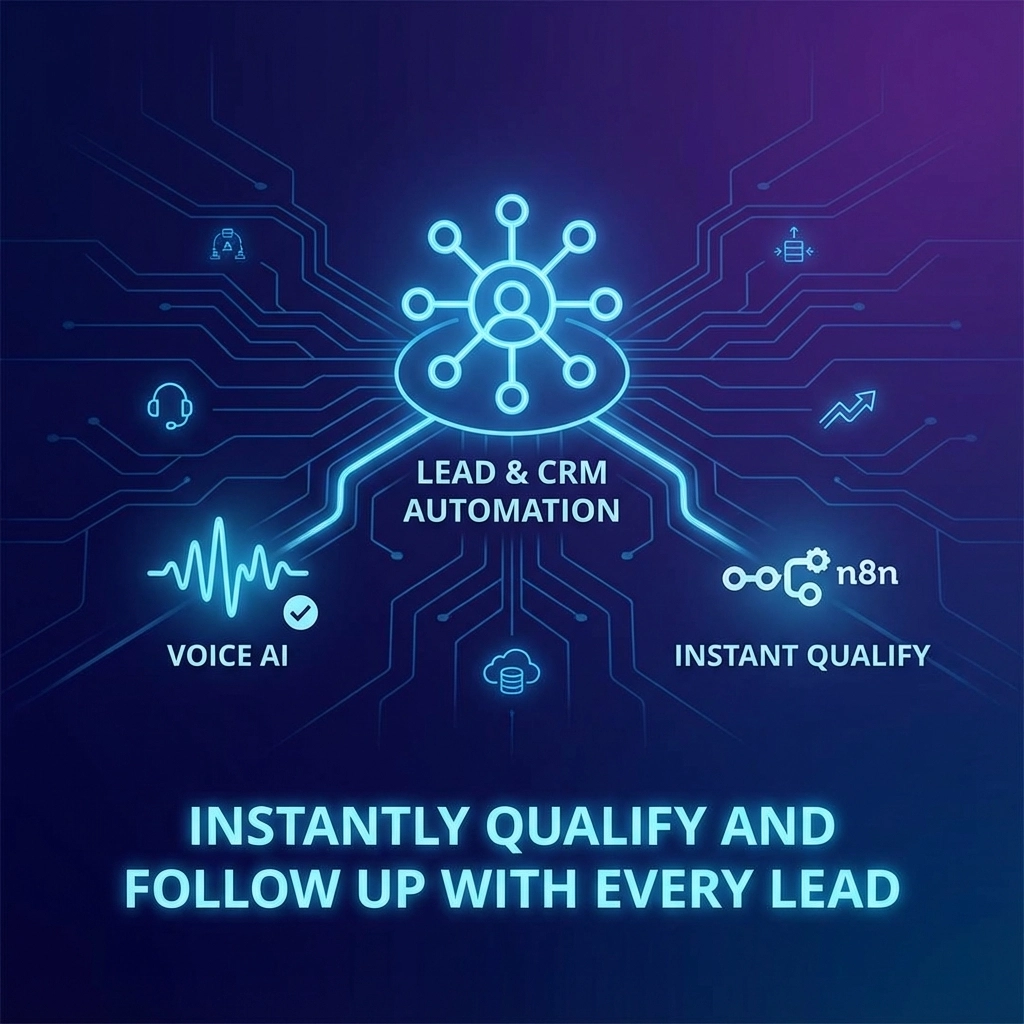
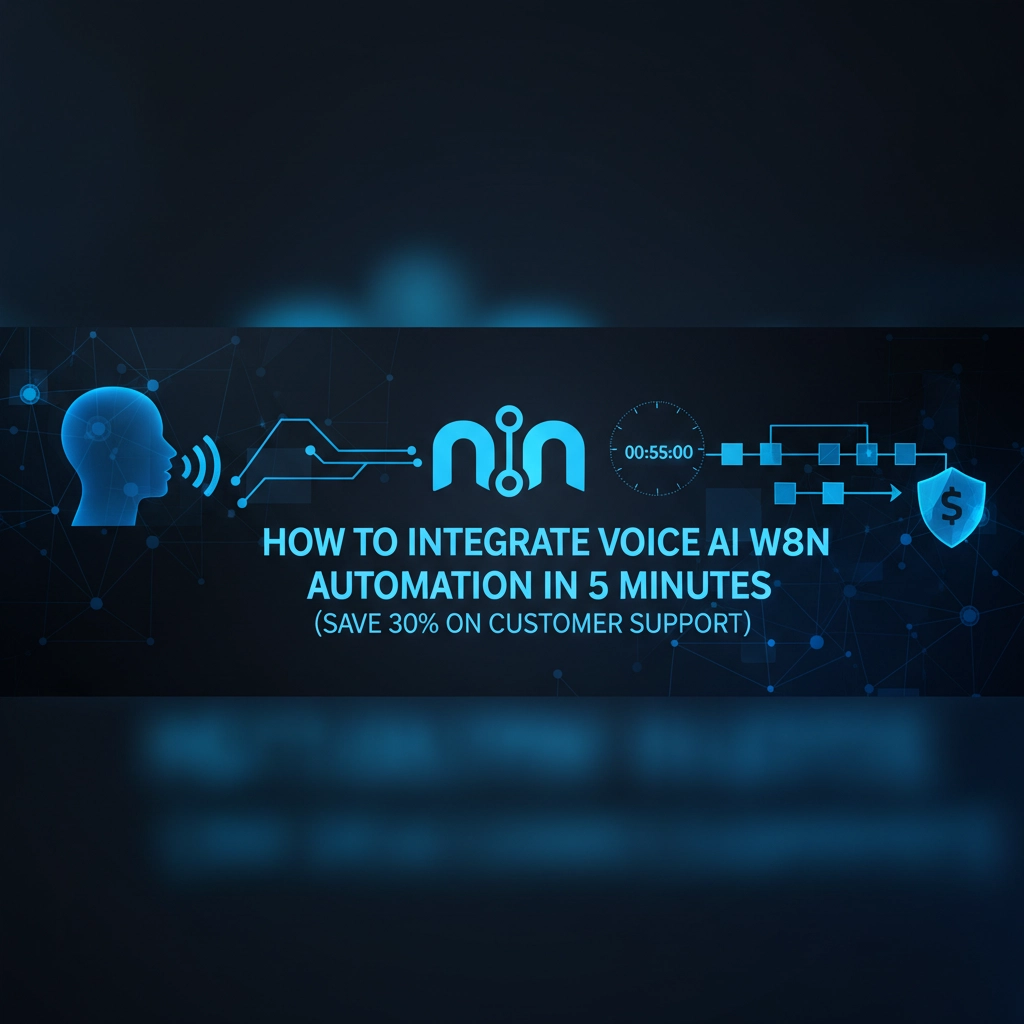
Right, let’s get straight to it. If you’re running a UK SME and you’re still playing phone tag with customers at 2am, or worse, losing leads because nobody picked up the phone, this one’s for you. We’re about to show you how to set up a voice AI system that works with n8n automation to slash your customer support costs by 30% – and it takes less time than your morning coffee break.
What’s All This Voice AI + n8n Business About?
Think of it like having a super-smart receptionist who never sleeps, never takes sick days, and can handle multiple conversations at once. Voice AI handles the talking part – it listens to your customers, understands what they’re saying, and responds naturally. n8n is the clever bit that connects everything together and makes things happen in the background.
When someone calls your business, the voice AI picks up, has a proper conversation with them, and n8n makes sure all the right things happen – booking appointments, sending emails, updating your CRM, whatever you need. It’s like having a full customer service team that costs pennies to run.

Why This Saves You 30% on Customer Support
Here’s the maths that’ll make your accountant smile. Most UK SMEs spend between £2,000-£8,000 monthly on customer support staff. Voice AI handles about 70% of routine enquiries – things like booking appointments, answering FAQs, taking basic orders, and qualifying leads.
That means your human team can focus on the complex stuff that actually needs a personal touch. No more paying someone £12 an hour to answer “What are your opening hours?” for the hundredth time this week.
Plus, you’re never “closed” again. That 3am caller from Australia who wants to place an order? Your AI assistant is wide awake and ready to help.
The 5-Minute Setup (Seriously)
Alright, let’s get your hands dirty. We’re assuming you’ve already got n8n running – if not, it’s a quick sign-up and you’re sorted.
Step 1: Choose Your Voice Platform (1 minute)
You’ve got two solid options here:
- ElevenLabs – Great natural voices, easy setup
- Retell AI – More business-focused features
For this guide, we’re using ElevenLabs because it’s dead simple. Sign up, grab your API key, and choose a voice that doesn’t sound like a robot from 1995.
Step 2: Create Your n8n Workflow (2 minutes)
Fire up n8n and create a new workflow. You’ll need these nodes:
- Webhook – This catches incoming calls
- ElevenLabs – Handles voice processing
- AI Agent – The brains of the operation
- Your business tools – CRM, email, calendar, whatever
Drag them onto your canvas and start connecting the dots.

Step 3: Configure Your AI Agent (1 minute)
This is where the magic happens. Set up your AI agent with:
- Your business context (“I’m the AI assistant for ABC Plumbing”)
- Common scenarios (“If someone needs an emergency callout…”)
- Integration tools (calendar for bookings, email for confirmations)
The AI agent needs to know what it can and can’t do. Give it clear instructions like “You can book appointments between 9am-5pm” or “For emergencies, transfer to the emergency line.”
Step 4: Connect Your Business Systems (30 seconds)
This is where n8n shines. Connect your:
- Google Calendar for appointment booking
- HubSpot/Pipedrive for lead management
- Email system for confirmations
- WhatsApp for follow-ups
One workflow can update multiple systems simultaneously.
Step 5: Test and Go Live (30 seconds)
Give it a quick test call. Does it understand your accent? Does it book appointments correctly? Does it handle the “I want to speak to a human” request properly?
If yes, you’re live. If no, tweak and test again.
Real-World Example: How This Works
Let’s say you run a local garage. Here’s what happens when Mrs Smith calls at 11pm about her car making “that funny noise”:
- Voice AI picks up: “Hello, this is the AI assistant for Smith’s Garage. How can I help?”
- Mrs Smith explains the problem
- AI assesses it’s not an emergency, offers to book a diagnostic appointment
- n8n checks your calendar, finds the next available slot
- AI confirms: “I can book you in Thursday at 2pm. Shall I send confirmation to your phone?”
- n8n sends WhatsApp confirmation and adds the appointment to your calendar
- AI ends the call professionally
Total time: 3 minutes. Cost to you: About 10p. Mrs Smith is happy, you’ve got a booked appointment, and you didn’t lift a finger.
Where Zuluz Fits In
Now, if you’re thinking “This sounds great but I can’t be bothered with all the technical setup,” that’s where we come in. At Zuluz, we’ve already built these integrations and tested them with hundreds of UK SMEs.

Our ChatFlow solution does all this heavy lifting for you. We’ve got pre-built workflows for different industries, voice AI that understands British accents properly (yes, even Scouse), and integrations with all the major business tools UK companies actually use.
Want to see it in action? Check out our ChatFlow demo – you can literally call our demo number and have a conversation with our AI assistant right now.
Advanced Automations That’ll Blow Your Mind
Once you’ve got the basics sorted, here’s where it gets exciting:
Lead Qualification on Steroids
Your AI can ask qualifying questions, score leads based on your criteria, and automatically route hot prospects to your best salesperson via SMS while they’re still warm.
Multi-Channel Follow-ups
Someone calls but doesn’t book? n8n can automatically:
- Send them a WhatsApp message with your brochure
- Add them to an email nurture sequence
- Create a reminder for your sales team to call back in 3 days
- Track their website visits and trigger personalized offers
Smart Appointment Management
Your AI can:
- Automatically reschedule appointments based on traffic data
- Send reminder messages via their preferred channel
- Offer alternative time slots if they need to cancel
- Collect feedback after each appointment
The Numbers Don’t Lie
We’ve seen UK SMEs using this setup achieve:
- 85% reduction in missed calls
- 40% increase in appointment bookings
- 60% faster lead response times
- 30% reduction in customer support costs (there’s that magic number)
One client, a London-based accountancy firm, went from losing 12 leads per week due to missed calls to capturing every single enquiry, even at weekends.
Common Pitfalls (And How to Avoid Them)
Don’t make your AI too clever – Keep it focused on specific tasks. An AI that tries to do everything usually does nothing well.
Always provide a human escape route – Some people will want to speak to a real person, and that’s fine. Make it easy.
Test with real customers – Your mum might understand your AI perfectly, but what about that customer with a thick regional accent?
Keep your prompts updated – Business changes, your AI’s knowledge should too.
What’s Next?
Voice AI + n8n automation isn’t just about saving money (though that 30% reduction is nice). It’s about never missing an opportunity again. It’s about providing brilliant customer service 24/7. It’s about scaling your business without scaling your headaches.
The technology is here, it works, and it’s affordable. The question isn’t whether you should do this – it’s whether you can afford not to.
Ready to give it a go? Start with the 5-minute setup above, or if you want the full Monty without the technical faffing about, get in touch with us. We’ll have you up and running faster than you can say “artificial intelligence.”
Your future self (and your bank balance) will thank you.